Here’s my second podcast, featuring a guest this time, give it a listen!
Categories
Here’s my second podcast, featuring a guest this time, give it a listen!
Mics are important for any recording you may be doing, now or in the future. But do you have to, by all means and circumstances, have to have a mic stand. Well… yes and no.
A mic stand holds and stabilizes the mic, pretty straight forward. If you can find a way to do this without a stand (which is easier for miking instruments than vocals) then go for it! However, having a mic stand tends to make things a lot easier for recording and more straightforward, and therefore makes life a little more simpler and doesn’t leave room for error regarding placement. For info on placements, check out this Sweetwater article.
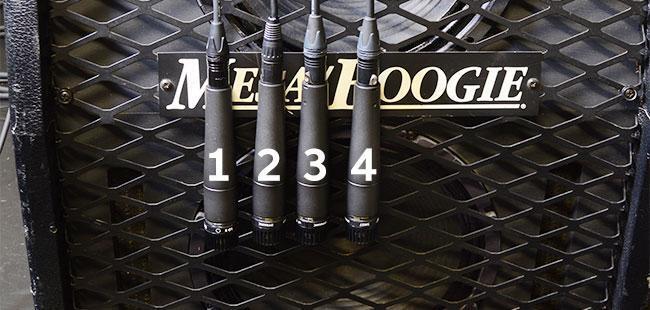
You may also be interested in constructing your own stand if we’re really talking budget. If so, check out this article for more on that,
Thanks for stopping by as always, should have a new podcast coming up sometime soon. Was planning to have one done by today but weather in Nashville got really nasty last night.
See ya!
Amazon is currently having a flash sale for the Focusrite Solo 3rd gen audio interface. This interface only houses one input, but that makes it perfect for solo musicians on a budget. For $120, you can get it paired with studio headphones and an xlr cable.
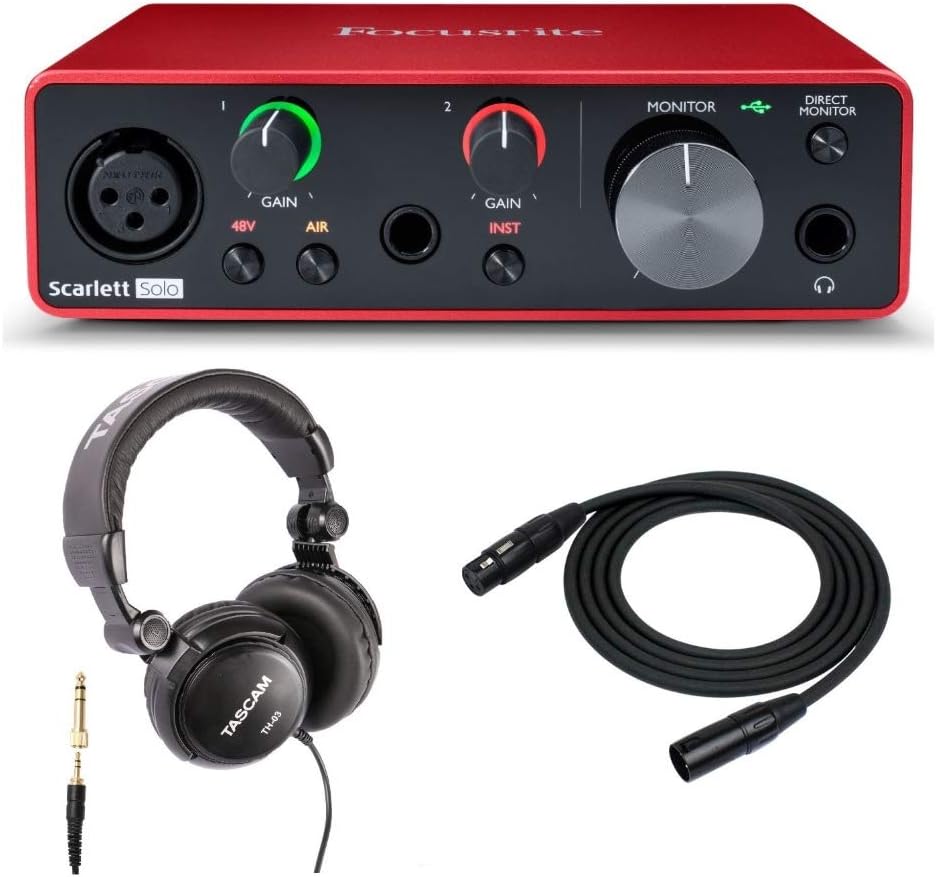
This setup will be perfect for starters, all you’ll need extra is just the mic equipment and you could start recording using the headphones as the output.
For more info on basic studio setups, check this out.
Thanks for stopping by, see ya!
Some people are scared off by making their own music. “How would I make my own music by myself without a band? I can only play one instrument.”
Thankfully, that’s all you need with MIDI controllers. MIDI controllers are wild instruments capable of sending signals to a computer to play virtual instruments in software. These virtual instruments can be quite literally any instrument you want, and as long as you have basic piano knowledge, you can rock out with any instrument out there with a little bit of fine-tuning.

MIDI controllers are capable of telling a computer to create a sound based on a system incorporated into the computer. The signals given are then translated into the virtual instrument of your program and outputted through your speakers. It’s a neat concept, and I will be sure to touch upon it again in the near future.
For more info, check this out!
See ya!
Setting up a personal “studio” can be hard, especially in a home with other people and animals and such, but it can be done under the right circumstances, and thankfully those circumstances aren’t too specific.
Here’s some basic things that you may already have to get started.
Now for the buying part (sadly things aren’t free). Some things you’ll need to buy are:
That’s the beginning of our little studio setup, I should be on track next week bringing my own together and I can definitely share my progress and setup then.
See ya!
I know this may already be a little far off from what I said we would get to, but that’ll be here soon, just asking you to be patient with me!
Today’s topic of discussion is record players, or turntables, or just whatever people want to call them. They play vinyls, or in other words, records, by spinning the record while a needle on an arm goes over the record and retrieves signals from the grooves of the record to play back media.
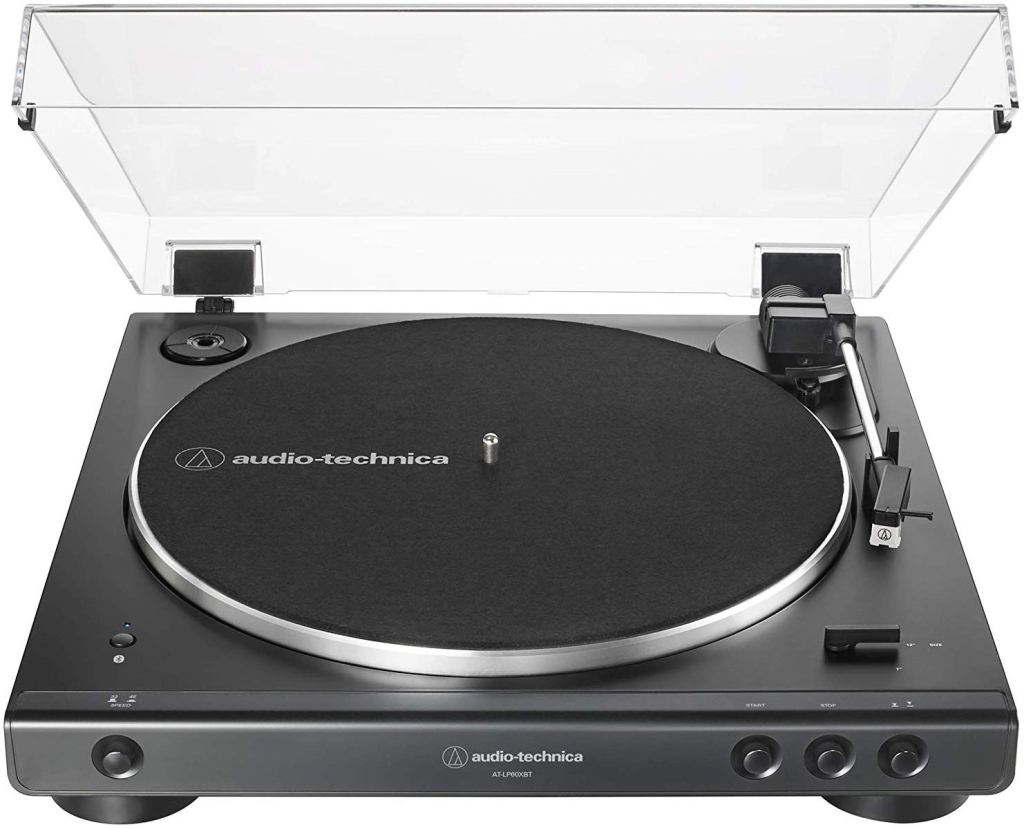
But enough of the science lesson. I wanted to talk about purchasing record players if anyone was interested in getting one, so here’s some tips.
I know this isn’t necessarily an “on budget” kind of thing, but if you’re interested in supporting artists you love and want something new, (or old, depending on who you ask) a record player may be just the thing for you!
See ya!
Considering we’re working to do this all on a budget, here’s some tips for buying audio gear, or even instruments in general.
Well, that’s all for now.
As always, thanks for stopping by. See ya!
So, you’ve decided you wanted to take the route of making a personal budget studio in your own home. Good on you, no worries! However, there are several key items you will need to achieve this goal, and an Audio Interface is one of the big contenders.
An audio interface is basically a tiny box that bridges a certain connection gap between your computer and your sound equipment. These are typically USB based. You can tap the link above for more useful information, but the bottom line is that you’re gonna need one of these if you want your recordings and even playback to sound good from whatever program you’re using. The biggest thing an interface will be helpful for right now is XLR input, which is the common cable type used for microphones. You obviously don’t want to use your computer’s built in microphone for music recording, so it’s necessary to purchase an interface first so that you can use a better piece of equipment.
However, these don’t come cheap if you’re looking for quality. Behringer interfaces on Amazon are sold for $50 at the lowest and only go up from there. If you’re okay with having only one input (meaning you’ll have to record everything one at a time) then you can actually save a lot of money here. I decided to go big here and purchase a Focusrite Scarlett 2i2 interface which I got for about $140 from Sweetwater (awesome store!). I would say the amount you spend on the interface should be dependent on the other costs of your gear. Just keep your budget in mind! I’ll go more into detail on setting all of this equipment up when I finish talking about the rest of these components.
As always, thanks for stopping by. See ya!
Welcome to my new blog about Audio Engineering. Audio Engineering, simply put, is the “magic” that goes into producing the music we all listen to or just happen to hear on a day to day basis. It’s the backbone of any good song, whether it be a studio or even live music session.
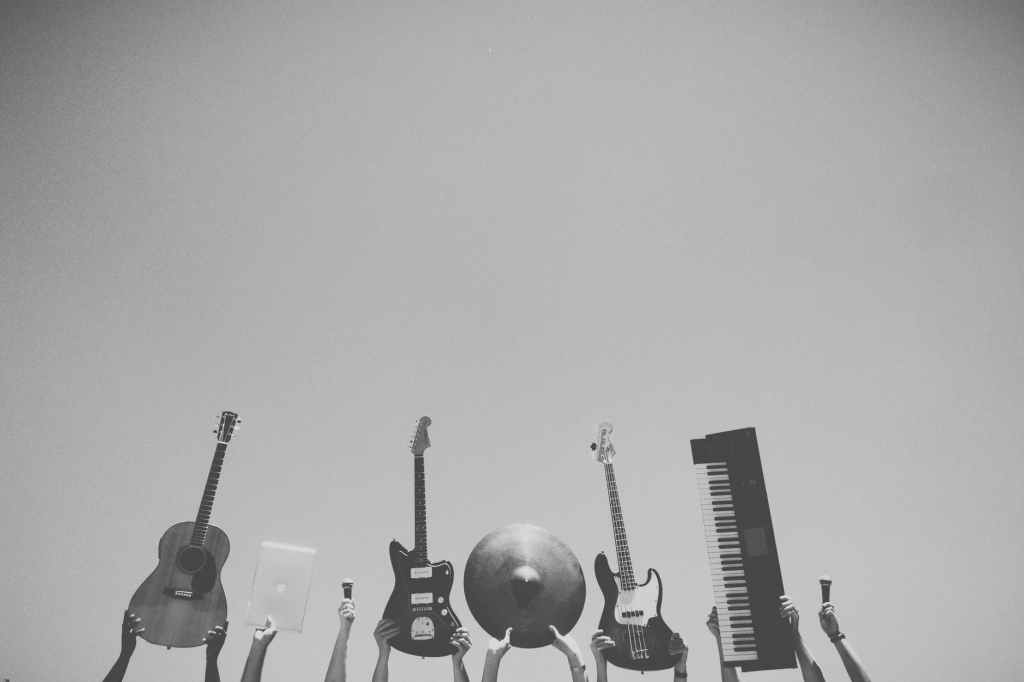
I have created this blog to show how I’m coming along with audio engineering, and provide tips from a beginner’s perspective on the subject. With this being a beginner’s reference, I’ll try to keep things cheap and manageable by the standards of this field (hence the “budget” part of the site title). I’ll be posting flash sales or other deals in the Nashville area that I’m aware of regarding recording gear when necessary, and I will hopefully have some great content in store!
So whether if you’re interested in the subject of audio engineering, or just would like to learn with me, this is the place for you. I will be posting tips regarding my personal experiences with Pro Tools and the physical personal “studio” that I have at my home. I figured it would make things more interesting if I could make this a social learning experience, but we’ll see where it goes.
Here are some links that may be helpful:
Lastly, for more info about myself, click here.
Thanks for stopping by, and until next time, see ya!
 Audio Engineering On A Budget
